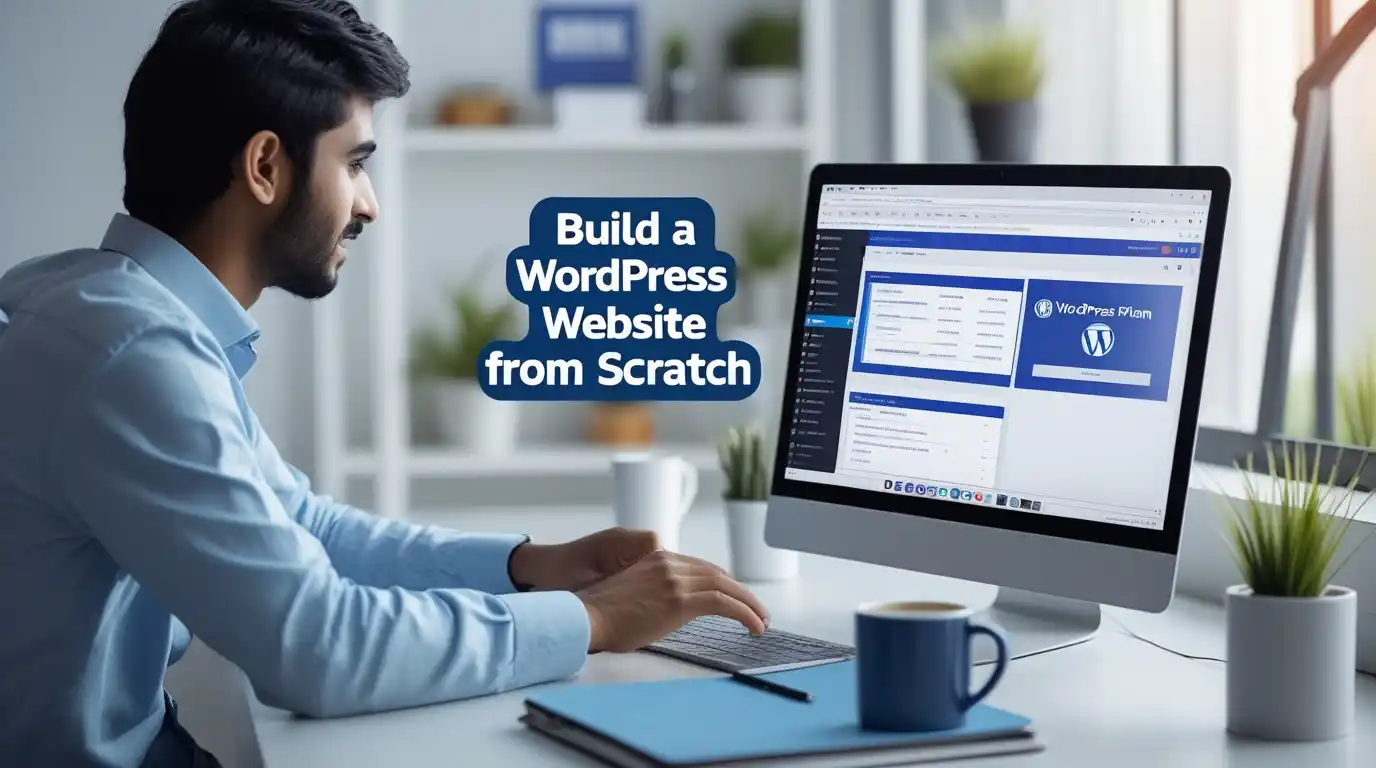
Building your first website might feel overwhelming, but with WordPress, you can create a professional WordPress website without any coding skills. Whether you're a student in Islamabad, a business owner in Karachi, or an entrepreneur in Lahore, this complete WordPress website tutorial 2025 will walk you through every step of WordPress website development. By the end of this guide, you'll understand exactly how to build a WordPress website from scratch and launch it successfully.
What is WordPress and How Does It Work?
WordPress is the world's most popular content management system (CMS), powering over 43% of all websites on the internet. Think of it as a powerful website builder that lets you create, manage, and update your website without writing a single line of code.
There are two versions you should know about:
WordPress.org (self-hosted WordPress) gives you complete control over your website. You purchase your own web hosting services and domain name, then install WordPress. This is what most professionals use for WordPress website development.
WordPress.com is a hosted platform where WordPress manages everything for you. It's simpler but offers less flexibility and customization options.
For this WordPress tutorial for beginners, we'll focus on WordPress.org because it provides unlimited possibilities for growth and customization.
Why WordPress is Perfect for Beginners
WordPress has become the go-to choice for millions of website creators worldwide, and here's why it's particularly excellent for beginners:
No Coding Required: You can build a professional WordPress website for beginners without knowing HTML, CSS, or PHP scripting. The WordPress admin panel is intuitive and user-friendly.
Cost-Effective Solution: You can create a WordPress website without coding and with minimal investment. Basic WordPress hosting starts from just PKR 500-1000 per month in Pakistan, making it accessible for students and small businesses.
Massive Community Support: With millions of users worldwide and growing WordPress training in Pakistan, you'll find countless tutorials, forums, and courses to help you learn WordPress development.
Flexible and Scalable: Whether you're building a simple blog or planning to create a business website using WordPress, the platform grows with your needs.
SEO-Friendly Structure: WordPress is built with SEO optimization in mind, helping your website rank better on Google and other search engines.
Essential Requirements Before You Start
Before diving into the WordPress installation process, you'll need these fundamental components:
1. Domain Name Registration
Your domain name is your website's address on the internet (like yourwebsite.com). Popular domain registrars include GoDaddy, Namecheap, and local Pakistani providers. A domain typically costs PKR 1,500-3,000 per year.
Pro Tip: Choose a domain name that's short, memorable, and relevant to your business or niche.
2. Web Hosting Services
Web hosting is where your website's files live. Think of it as renting space on a powerful computer that stays online 24/7. Reliable hosting providers for WordPress include:
3. SSL Certificate
An SSL certificate encrypts data between your website and visitors, showing that secure "padlock" icon in browsers. Most modern hosting providers include free SSL certificates.
Step-by-Step Guide: How to Build a WordPress Website From Scratch
Let's break down the complete WordPress website development tutorial for beginners into manageable steps.
Step 1: Purchase Hosting and Domain
Choose a hosting provider that offers one-click WordPress installation. Many hosts bundle domain registration with hosting packages, saving you money and simplifying the setup process.
Most hosting companies provide cPanel, a control panel that makes managing your hosting account straightforward.
Step 2: Install WordPress on Your Hosting
Modern hosting providers make the WordPress installation process incredibly simple:
The installation typically takes 2-5 minutes. Alternatively, advanced users can perform manual installation using FTP upload and MySQL database configuration, but this isn't necessary for beginners.
Step 3: Access Your WordPress Dashboard
Once installed, visit yourwebsite.com/wp-admin to access the WordPress admin panel. This is your command center where you'll manage everything.
The WordPress dashboard tutorial shows you several key sections:
Step 4: Choose and Install a WordPress Theme
WordPress themes control your website's appearance. The WordPress theme marketplace offers thousands of free and premium options.
Top Free Themes for Beginners:
How to Install a Theme:
Most modern themes are responsive website design, meaning they automatically adapt to mobile devices, tablets, and desktops.
Step 5: Install Essential WordPress Plugins
WordPress plugins add specific features to your website. Here are must-have plugins for beginners:
For SEO Optimization WordPress:
For Security:
For Performance:
For Functionality:
How to Install Plugins:
Step 6: Customize Your Website Design
Now comes the fun part – making your website uniquely yours through WordPress customization.
Using the Customizer:
Using Page Builder Plugins:
For more control without coding, consider page builder plugins like:
These tools let you design professional pages visually, perfect for those wondering how to customize my WordPress theme without technical knowledge.
Step 7: Create Essential Pages
Every website needs these fundamental pages:
How to Add Pages in WordPress:
Essential Pages to Create:
Step 8: Create Your Navigation Menu
Menus help visitors navigate your website easily.
Step 9: Add Content and Media
How to Add Images to WordPress:
How to Create a Blog in WordPress:
Step 10: Configure Website Settings
Navigate to Settings and configure:
Step 11: Implement Security Measures
WordPress security is crucial for protecting your website:
Step 12: Optimize for SEO
Search engine optimization helps your website rank on Google:
Step 13: Make Your Site Mobile-Friendly
With over 60% of web traffic coming from mobile devices, responsive design is essential. Most modern themes are already mobile-responsive, but always test:
Step 14: Set Up Analytics
Understanding your visitors helps improve your website:
How Long Does It Take to Build a WordPress Website?
The timeframe depends on your goals and experience:
WordPress Website Development Cost Breakdown
Basic Setup (DIY):
Professional Development:
Learning WordPress: Courses and Training in Pakistan
If you want to master WordPress website development, structured learning accelerates your progress.
Why Choose IDT for WordPress Training?
The Institute of Digital Trainings (IDT) offers comprehensive WordPress courses across Pakistan, including WordPress course Islamabad, WordPress training Lahore, and WordPress classes Karachi locations.
What Makes IDT Different:
Course Highlights:
Whether you're in Rawalpindi, Faisalabad, Multan, or even Peshawar and Quetta, IDT offers WordPress training options to suit your needs.
Career Opportunities and Job Scope
WordPress skills open numerous career paths:
Job Roles:
Salary Expectations in Pakistan:
Is WordPress in Demand in Pakistan? Absolutely! With businesses rapidly moving online, demand for WordPress developers continues growing. The flexibility to work remotely makes it even more attractive.
Can I Get a Job After Learning WordPress? Yes! Many graduates from the best WordPress course in Pakistan land jobs within 2-3 months. Building a strong portfolio during your learning journey is key.
Tips for Success
Common Mistakes to Avoid
WordPress vs Other Website Builders
While platforms like Wix, Squarespace, and Shopify exist, WordPress offers:
Frequently Asked Questions
Is WordPress free to use?
WordPress software itself is completely free and open-source. However, you need to pay for domain name registration and web hosting services. Free ways to create a WordPress website exist through WordPress.com's free plan, but it's limited and includes their branding.
Do I need coding skills for WordPress?
No, you don't need coding skills to build a basic WordPress website. The platform is designed for beginners, with visual editors and thousands of ready-made themes and plugins. However, learning basic HTML and CSS helps with advanced WordPress customization.
What hosting is best for WordPress?
For beginners, Bluehost, SiteGround, and HostGator are excellent choices with good support and one-click installation. In Pakistan, local providers offer affordable options. Look for managed WordPress hosting for hassle-free website maintenance.
How do I secure my WordPress website?
Implement these security measures: install security plugins like Wordfence, use strong passwords, enable two-factor authentication, keep everything updated, use SSL certificates, perform regular backups, and limit login attempts. WordPress security should be a priority from day one.
Can beginners build a WordPress website?
Absolutely! WordPress is specifically designed with beginners in mind. With this complete WordPress website tutorial 2025, you can create a professional website in just a few hours. The key is following a systematic WordPress setup guide and practicing regularly.
Is WordPress good for business websites?
Yes, WordPress powers websites for major brands like The New York Times, Sony Music, and Microsoft News. Its flexibility makes it perfect for small businesses to large enterprises. You can create a business website using WordPress that looks professional and scales as you grow.
Conclusion: Your WordPress Journey Starts Now
Building a WordPress website from scratch is an achievable goal for anyone willing to learn. You now have the complete roadmap for how to build a WordPress website from scratch step by step. Whether you're creating a personal blog, business website, or e-commerce store, WordPress provides the tools and flexibility you need.
The beauty of WordPress website development is that you can start simple and expand as you learn. Don't wait for perfection – launch your website and improve it over time. Every expert was once a beginner who decided to take that first step.
Ready to Master WordPress Professionally?
While this guide gives you the foundation, nothing beats structured learning from experienced instructors. The Advanced WordPress Course offered by IDT provides hands-on training, real-world projects, and career support to transform you from beginner to professional WordPress developer.
With training centers in Islamabad, Lahore, Karachi, and online options for students across Pakistan, IDT makes quality WordPress education accessible. Whether you dream of becoming a freelance WordPress developer Pakistan recognizes or joining a top WordPress website design company Islamabad, IDT's job-oriented curriculum prepares you for success.
Book your seat today and join thousands of successful graduates who turned their WordPress skills into thriving careers. Visit IDT or contact their team to learn about current batches, WordPress course duration, and special enrollment offers.
Your website – and your future in web development – awaits. Start building today!
Want to explore more digital skills? Check out Explore Advanced IT Courses at Institute of Digital Trainings to discover comprehensive programs in web development, digital marketing, graphic design, and more.